Learn Ali's top tips how to use Adobe Photoshop mock-ups for illustrations and pattern designs.
This course is for you if:
- You want to show your illustrations on products like greeting cards or prints.
- You want to show your patterns on products like wallpaper or fabric.
- You just want to learn Adobe Photoshop to use for mock-up files.
- You are curious about my top tips and process in using mock-ups.
It's Not for you if:
- You want an in-depth 101 course on Adobe Photoshop.
- You want to create your own mock-ups from images you took.
“This course was so well organized, clear, informative and easy to follow. Great information for preparing your files for different types of mockups. Where to find and purchase mockups, and how to use them successfully. Explanation of mockup layers in Photoshop was thorough. I have purchased a mockup in the past and wasn't clear on the photoshop file structure. Definitely recommend this course!”KATHI
Ali Hooten, Illustrator, Pattern Designer & Educator

Formally trained in Architecture, I used Adobe Illustrator, InDesign, and Photoshop from [what feels like] day one of my undergraduate degree. Jumping ahead to graduate school, I actually worked for Adobe and taught classes and workshops in the creative cloud suite just when everything was going to the cloud. I love any technical CAD program and the Adobe suite is by far my favorite [and something I use almost every single day of my own professional life].
I have about a decade of experience teaching, most notably as a University Instructor in Visual Communication, Architecture, and Product Design. I love the challenge of distilling complex programs or concepts into digestible bites for every type of creative. I also hope to bring my own voice into the mix of online classes and pour every tip I know into my own courses :)
The Mock-up Class Lessons: What to Expect
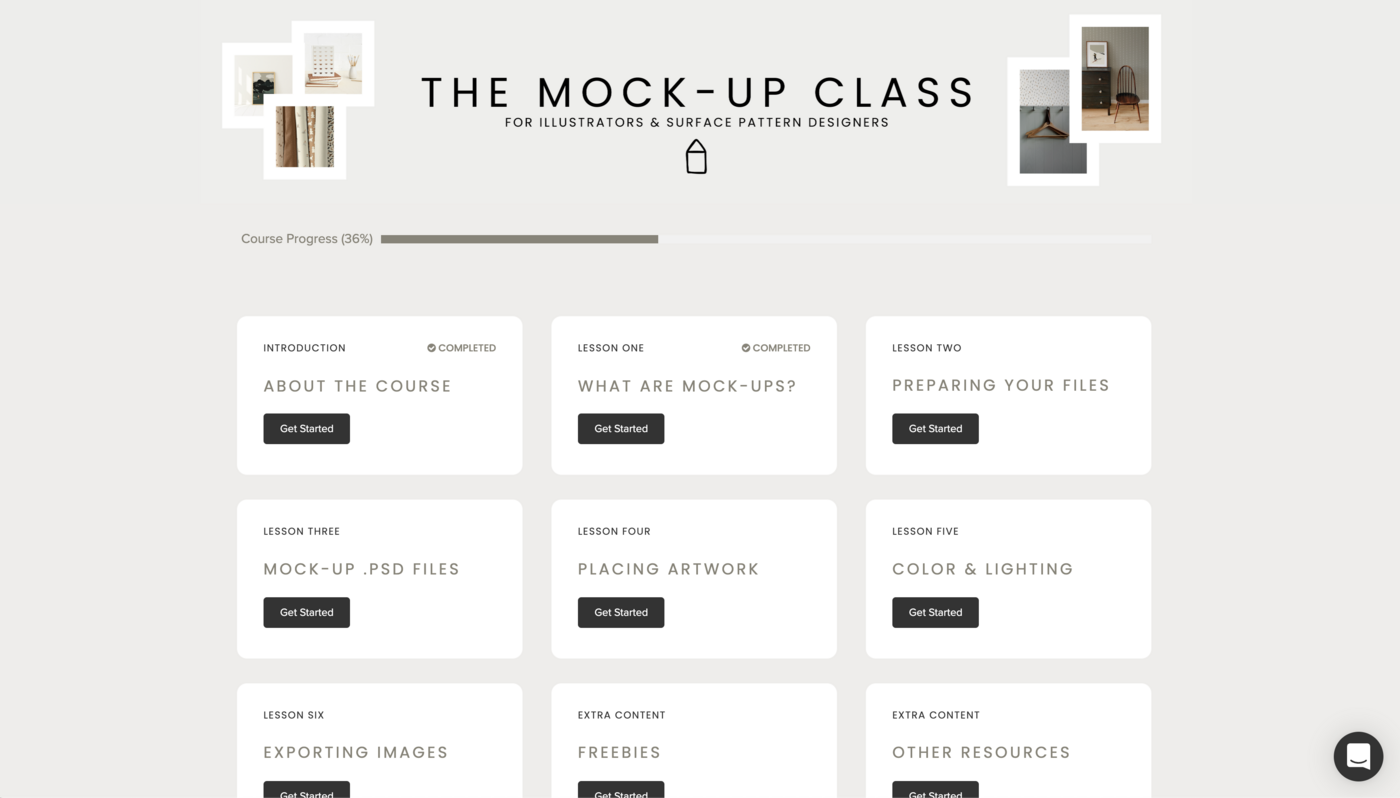
Lesson One: What are Mock-ups?
A brief overview of what a mock-up is and how a designer may think about using them.
Lesson Two: Preparing Your Files
Learn my own tips and process in preparing both illustrations and patterns for mock-up files.
Lesson Three: Mock-up .psd Files
Get a tour of several different mock-up Photoshop files and how to navigate through the layers panel.
Lesson Four: Placing Artwork
Learn my tips in placing artwork and how to correctly place and map your images using .psb files.
Lesson Five: Color & Lighting
Learn how to make some slight adjustments and customizations in any mock-up file.
Lesson Six: Exporting Images
Learn my top tips in exporting images and what file sizes to consider for different purposes.
Extra Content: Freebies
Download two free high quality mock-ups with a bonus video on how to use each one.
Extra Content: Other Resources
Access a list of other helpful resources to find mock-up files from my top picks.
The Mock-Up Course for Illustrators & Surface Pattern Designers $50
- 6 lessons in video format
- Introduction video & other resources
- 2 free .psd mock-up downloads & bonus how-to video to accompany the files
If you have any questions about the course, please email [email protected]
"Ali’s teaching style is clear and very easy to follow. I am always looking for tips on exporting my files and good sizes to work with- and she totally delivers in that department. I cannot wait to see what she comes up with next!"REBECCA
"I'm so glad I signed up! Ali's class gave me a clear understanding of what to look for when choosing mock-ups and how to better customize them to enhance and show off my artwork in the best way."
DEBRA MAHER